How to find a customer and see their history
Search by name, email or phone and see their stamps, rewards, purchases and visits.
-
1
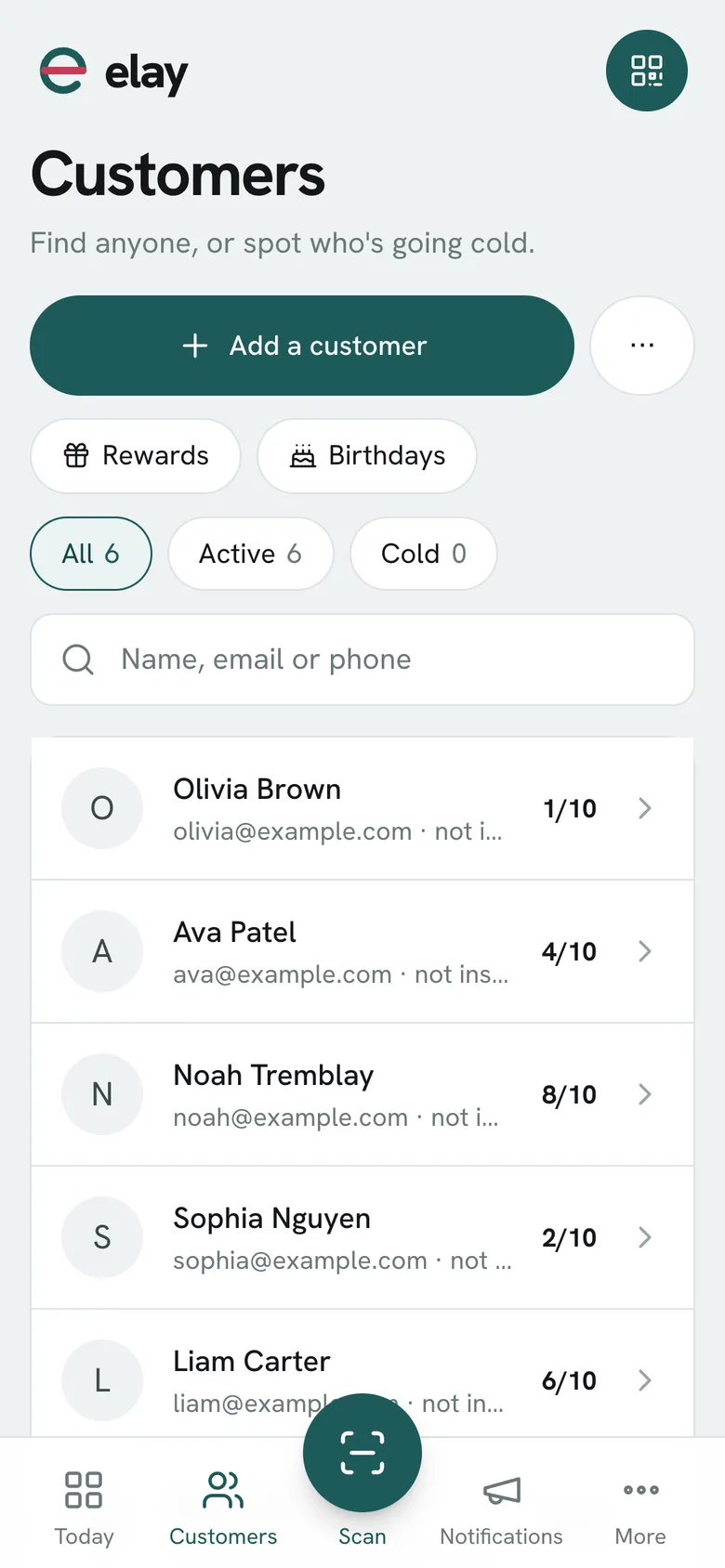
Tap Customers in the bottom bar.
-
2
Type a name, email or phone in the search box, or use the filters: All, Active, Cold, With reward and Birthdays.
-
3
Tap the customer to open their profile: stamps, rewards, whether the pass is installed and on which phone.
-
4
Under Brought back you see how many visits they've made and how much they've spent since saving the card.
-
5
Further down, their activity lists every stamp, redemption, purchase and visit, with the date and who did it.
What if…?
What's a cold customer?
One who hasn't received a stamp in the last 30 days. Active customers have.
How do I delete a customer?
From their profile, with the × at the top. It deletes them along with their card and can't be undone. Only an Admin can do it.
Does it show all their cards?
The profile shows their card for the program you're working with.