How to manage your locations
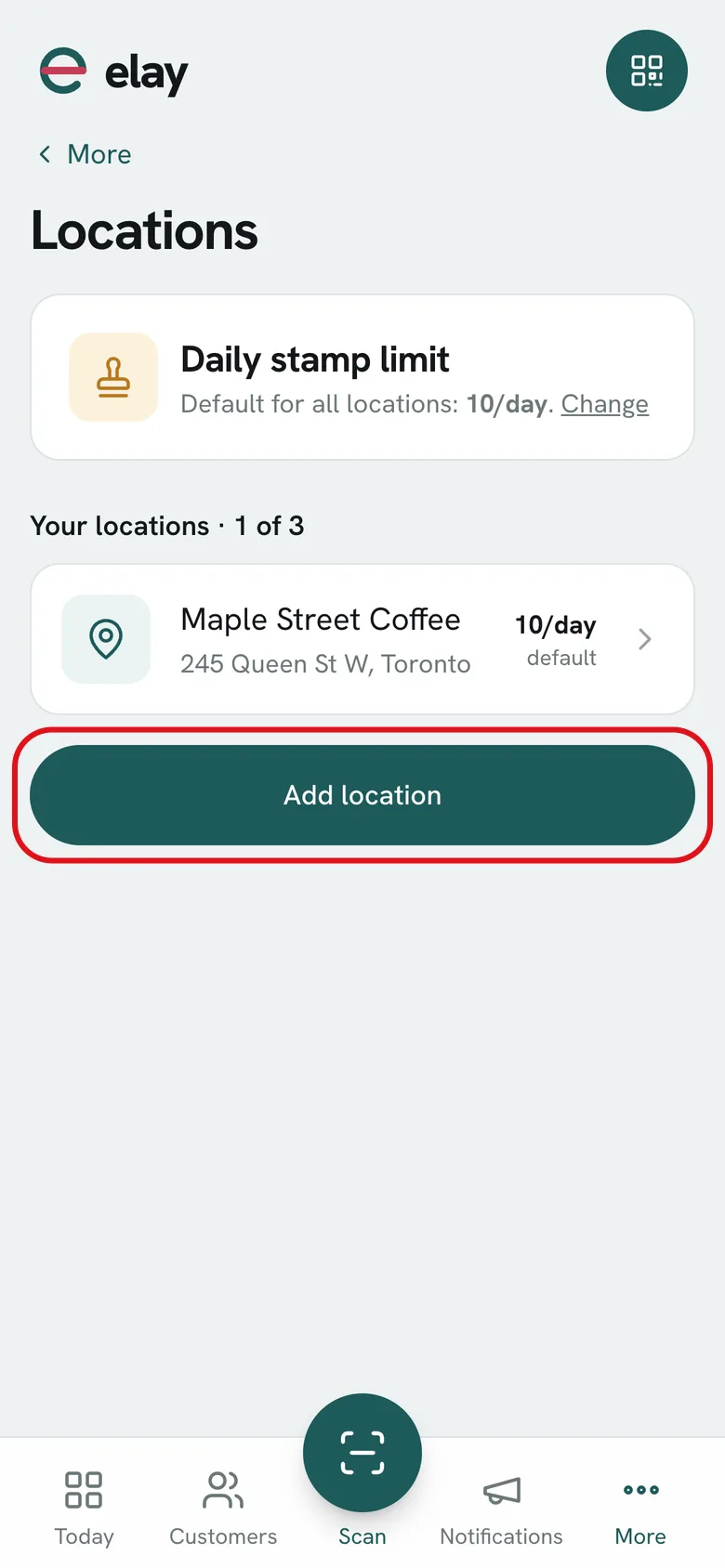
Each location with its address, its people, its daily limit and its map position.
All plans
⏱ 3 minutes
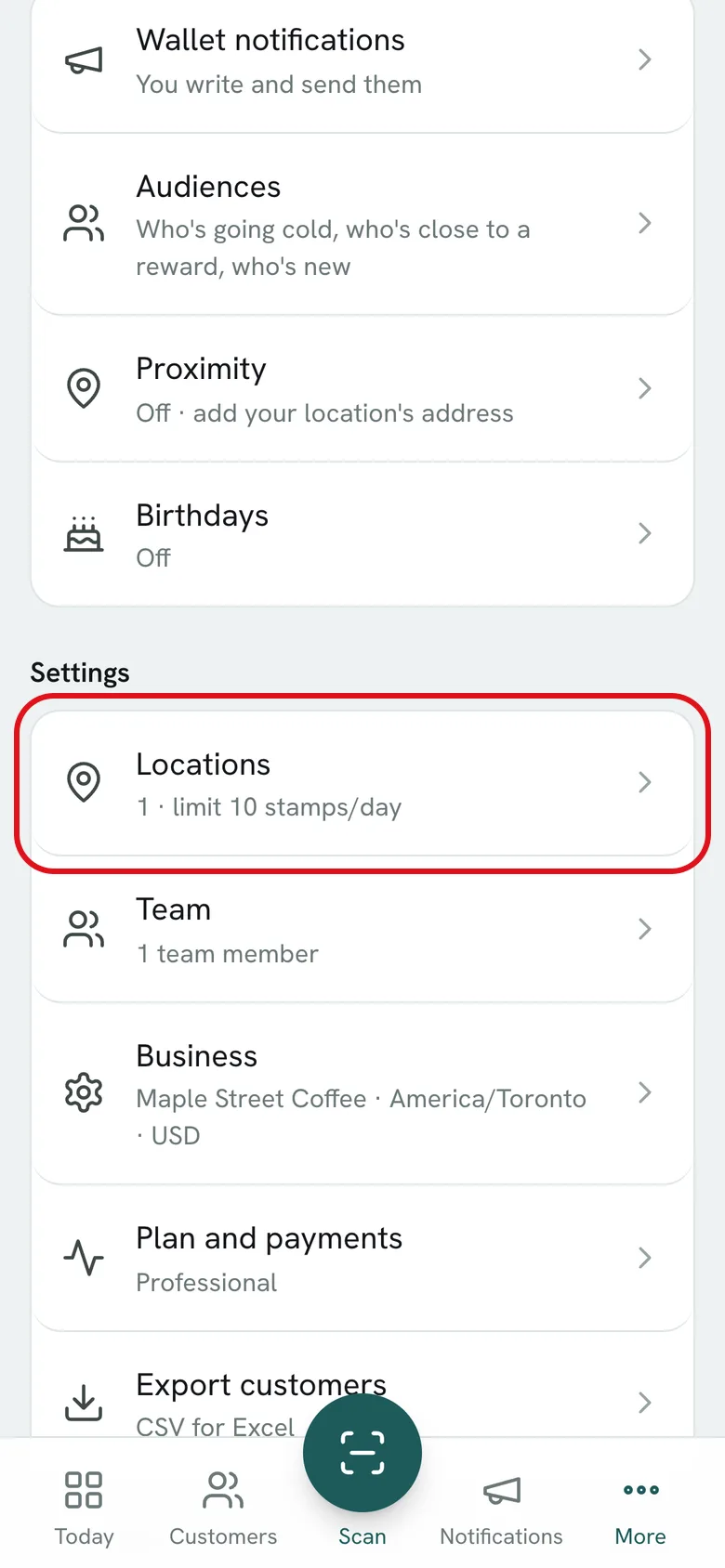
Where: More → Locations
-
1
Open More → Locations.
-
2
Tap Add location and enter a name and address.
-
3
If you like, set a Daily stamp limit just for that location. Blank uses the business default.
-
4
Add its position with Use my current location to turn on the iPhone proximity alert. Tap Save.
-
5
When you open a location, you see who works there and can add a person.
What if…?
How many locations can I have?
Growth includes 1, Professional 3 and Ultimate unlimited. You can also add one more as a monthly extra.
How do I know which location gave each stamp?
If the person stamping has a location assigned in Team, the stamp is recorded under that location. Today shows the day's stamps by location.
Can I delete a location?
Yes, from the location with Delete location. You always need at least one.