How to share your card
Print your QR code for the counter and share the link on social media.
All plans
⏱ 2 minutes
Where: QR code button (top right)
-
1
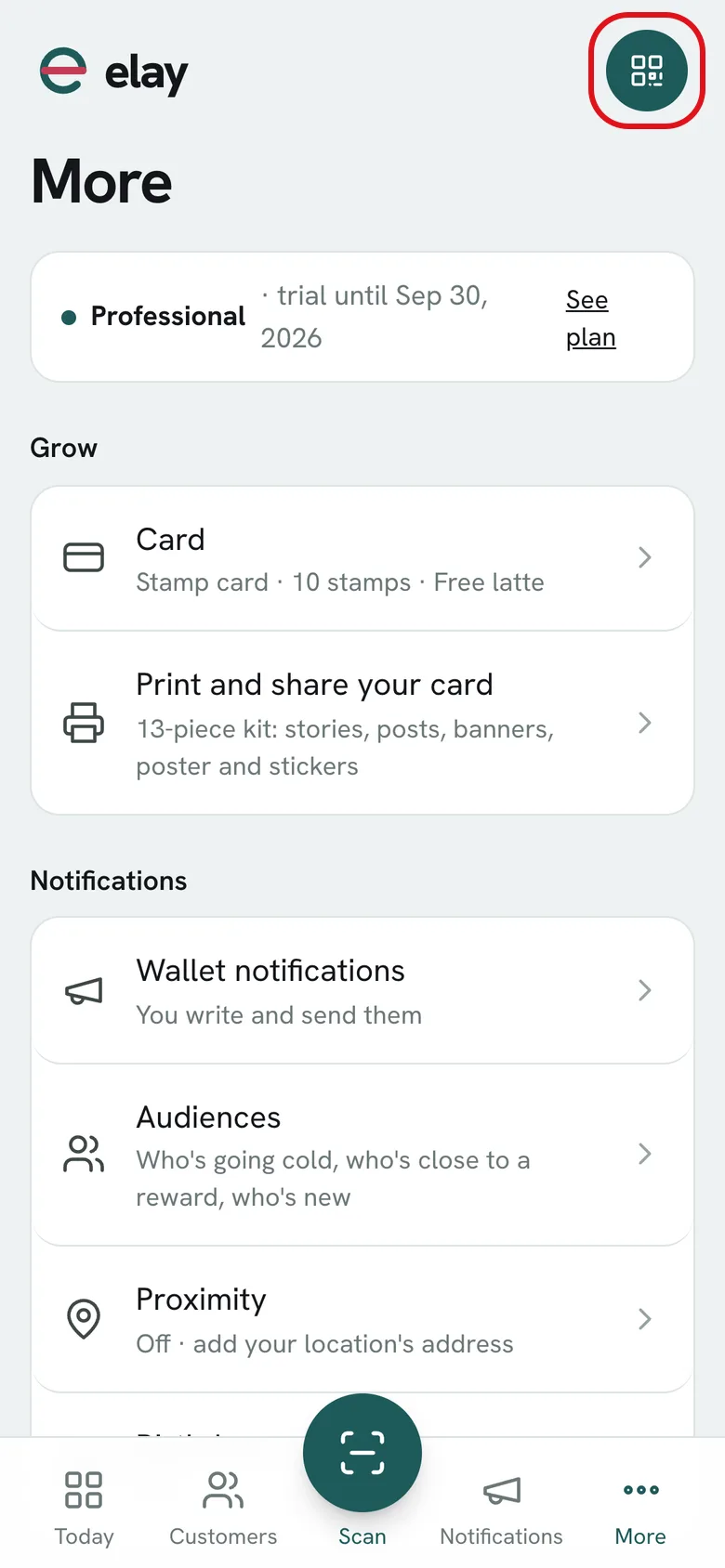
Tap the QR code button at the top right. It's on every screen of the dashboard.
-
2
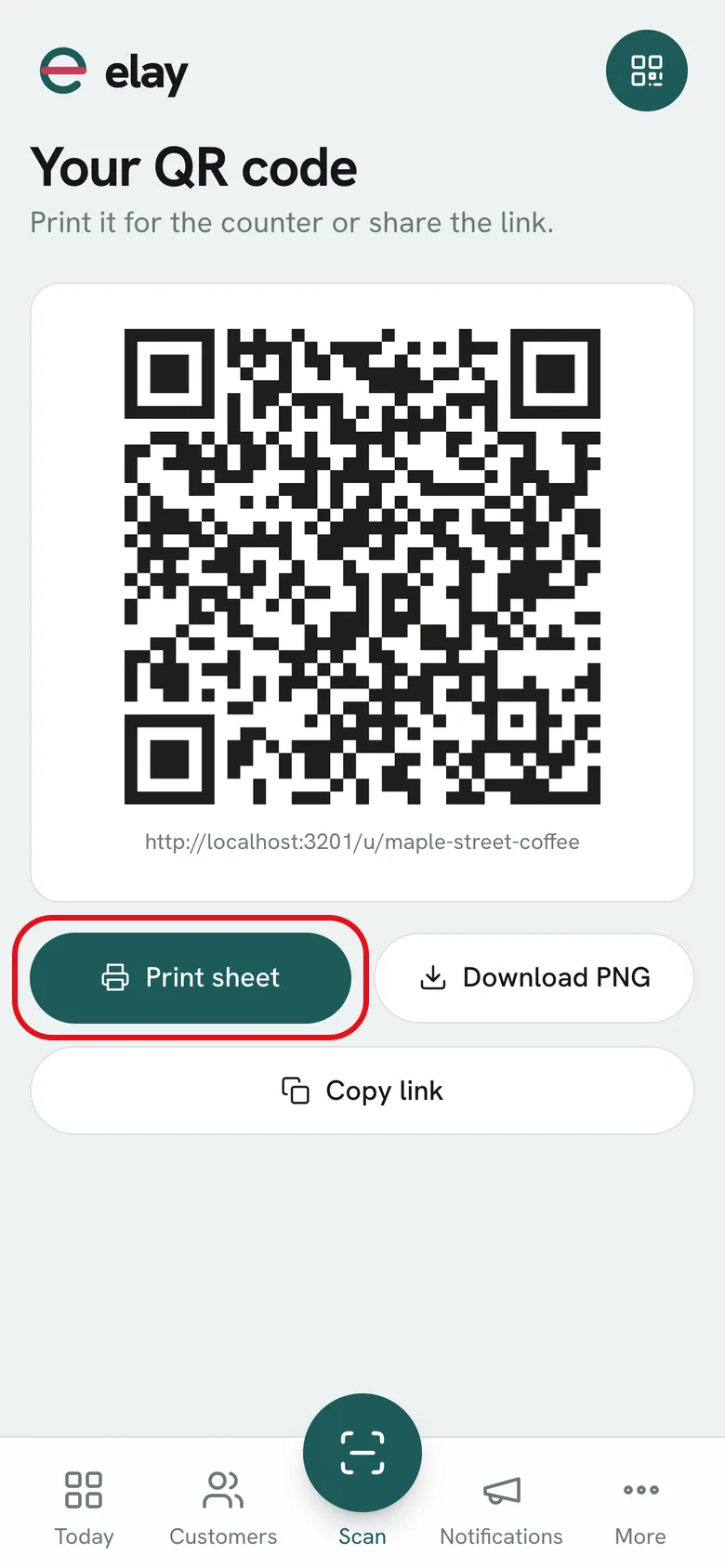
Tap Print sheet: you get a poster in your card's style, ready to print or save as a PDF.
-
3
Tap Download PNG if you want just the QR code for your own design.
-
4
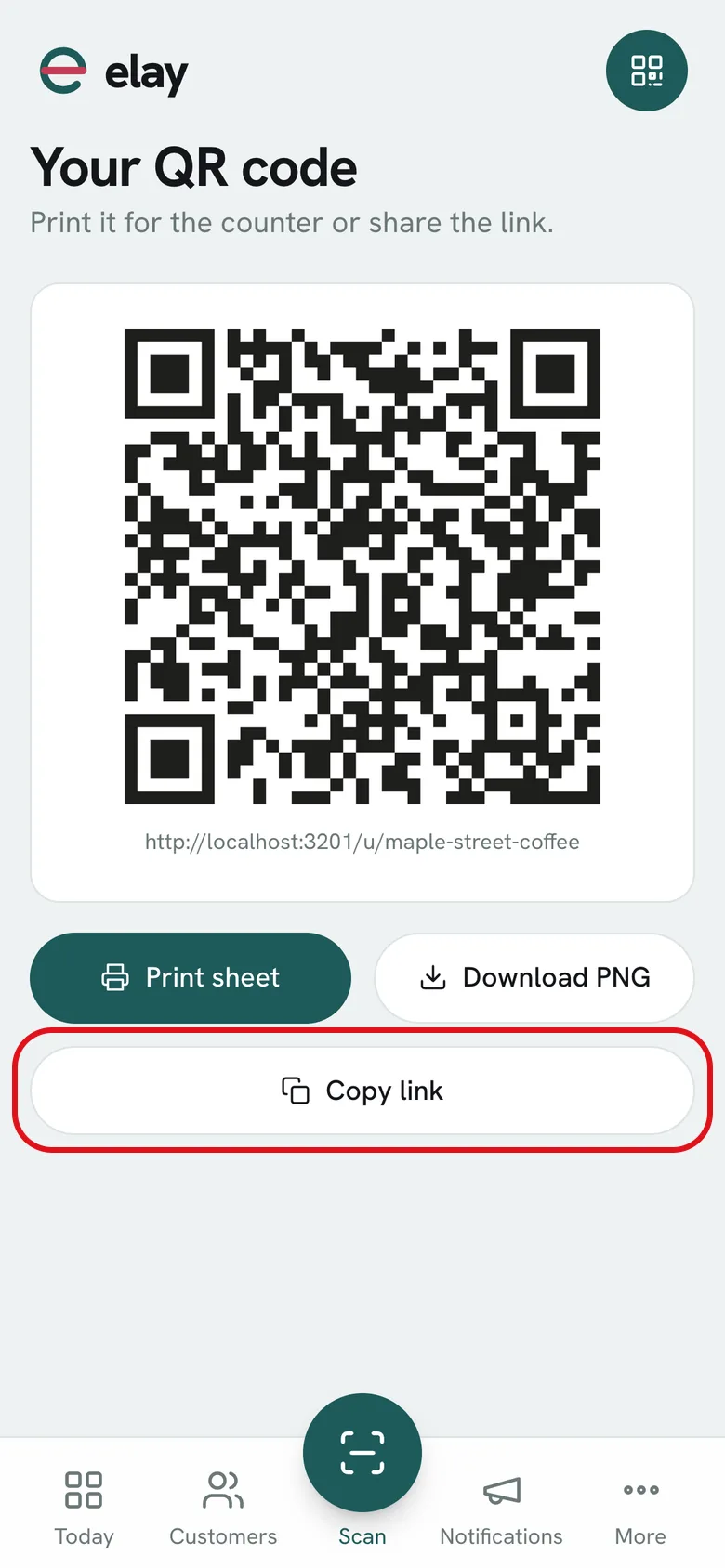
Tap Copy link and paste it into your Instagram bio or send it on WhatsApp.
What if…?
Does the QR code change if I change the design?
No. The QR code and link stay the same; only the look of the pass changes.
I have several cards
Each one has its own QR code. The button shows the one for the card you're working with.
Do people who scan it need anything?
Just their phone's camera. They save the card without downloading any app.